Failed Inbound Messages View
The Failed Inbound Messages view displays messages that were received by the system but could not be processed due to validation failures, such as exceeding the file size limit defined by the subscription package.
Understanding the Failed Inbound Messages Table
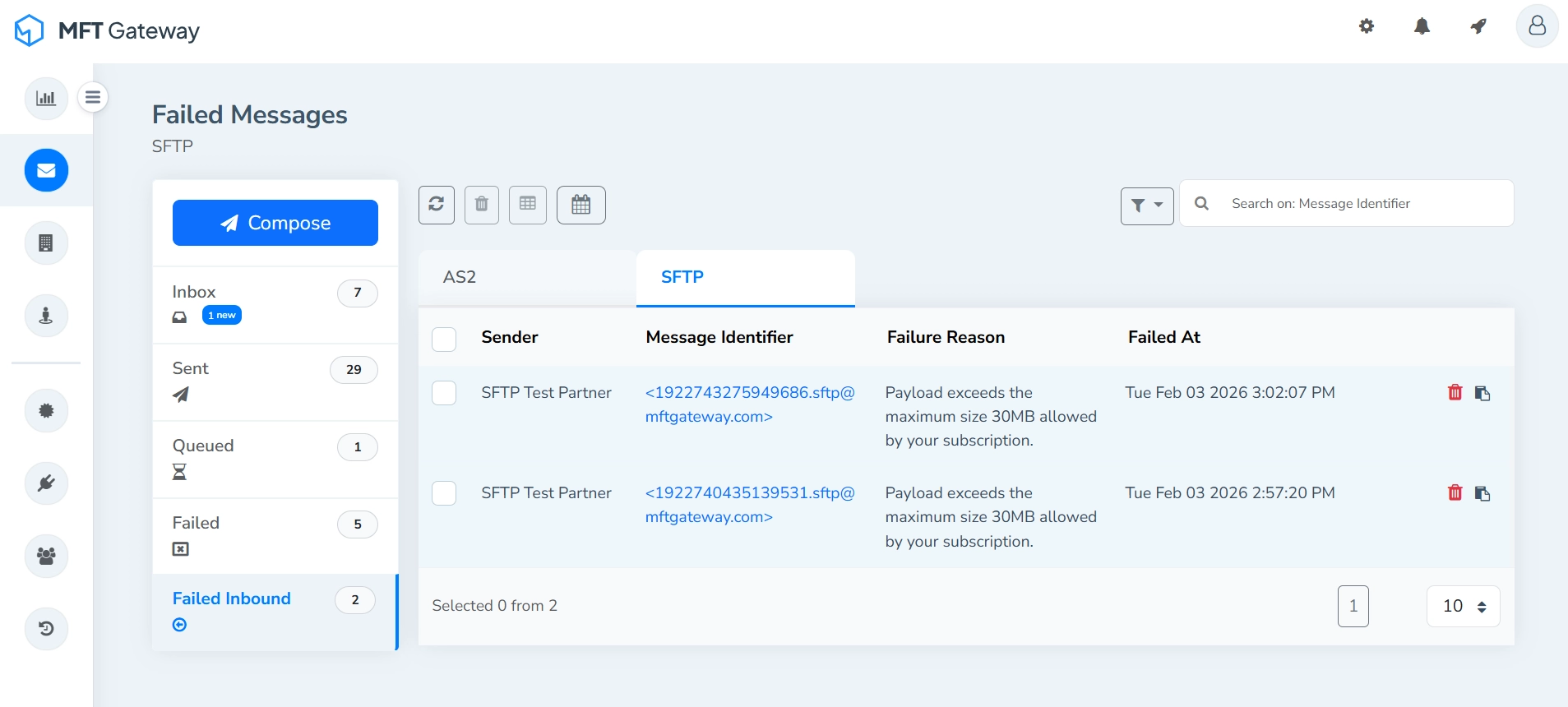
- Sender - The name of the entity that sent the message.
- Message Identifier - Unique identifier for a specific message.
- Failure Reason - A brief description explaining why the inbound message could not be processed.
- Failed At - The timestamp indicating when the message processing failed. Messages are sorted by the most recent timestamp.
Single Message Actions
Each failed inbound message entry provides actions that allow you to manage the message individually.
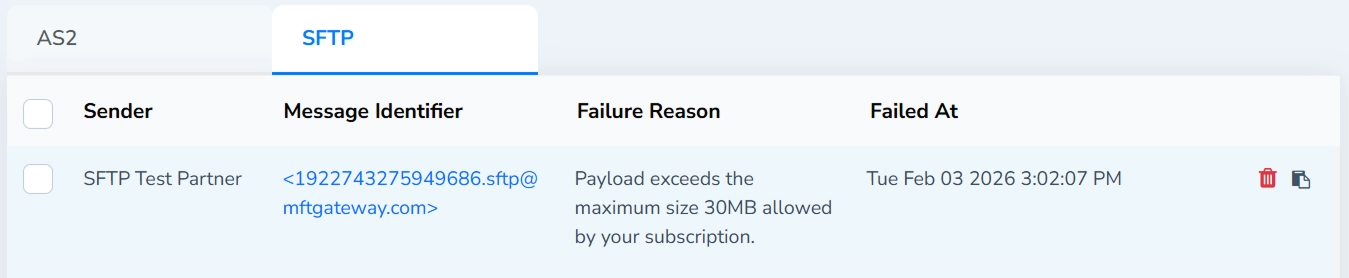
Delete
Permanently removes the received message entry.
Copy ID
Copies the message ID to the clipboard.
Actions for Selected Message(s)
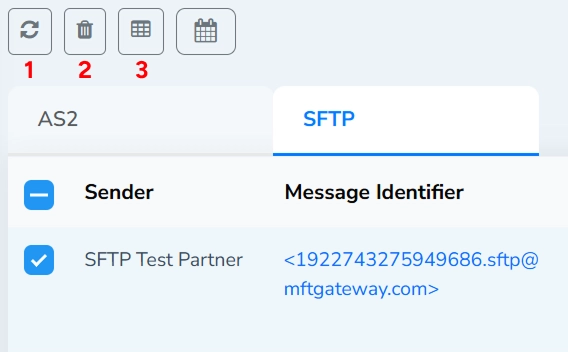
Refresh (1)
Refreshes the failed inbound messages table to retrieve the latest message status.
When one or more messages are selected using the checkboxes, the rest of the action toolbar becomes active, allowing batch operations on the selected messages.
Delete Selected (2)
Permanently removes all selected failed inbound messages.
Export Details (3)
Exports the details of the selected entries in CSV format.
Search and Filters
Search Field
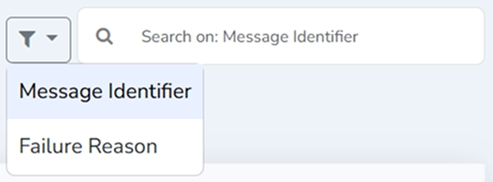
Search failed inbound messages by message identifier or failure reason. Select the search parameter from the dropdown next to the search field.
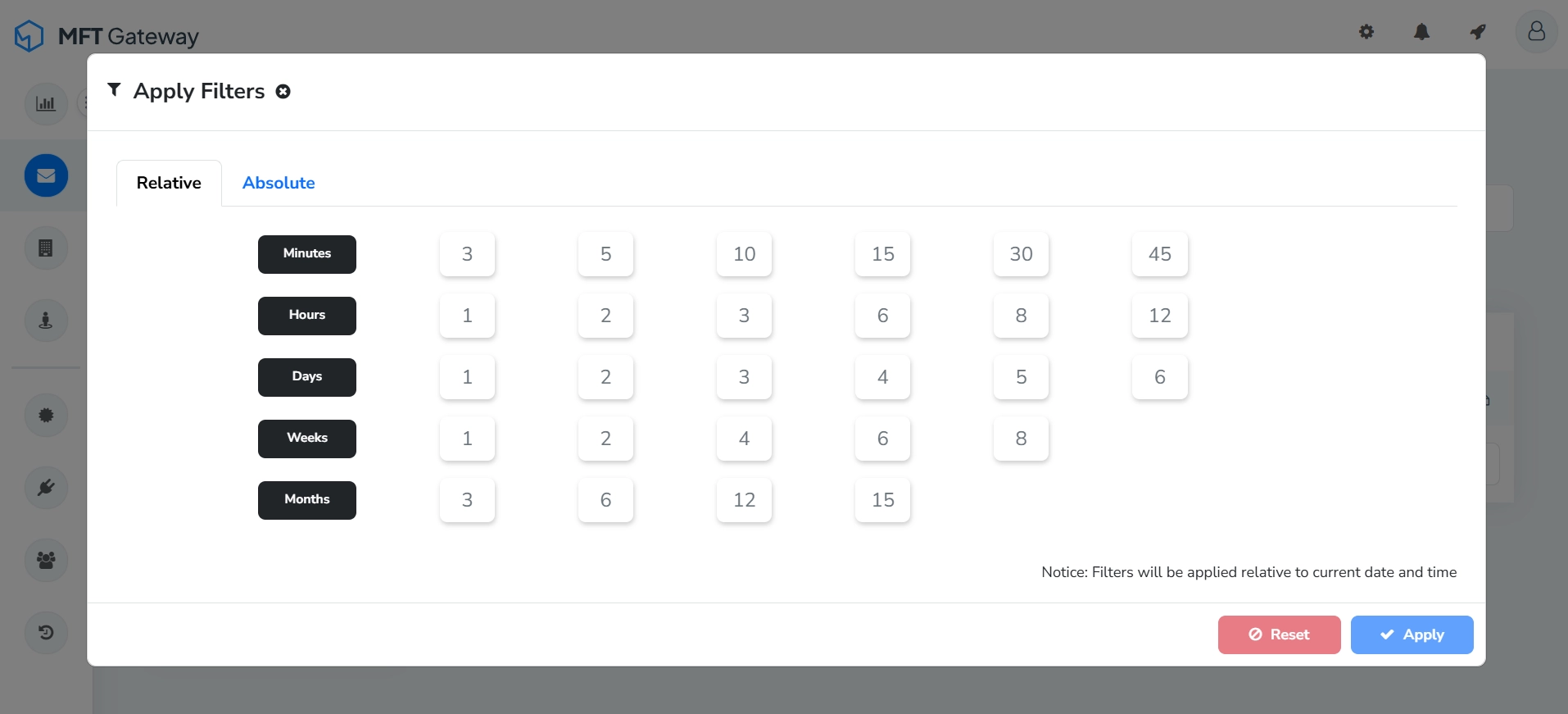
Filter by Timestamp
Filter failed inbound messages based on the timestamp.