

















































































































































































































MFT Gateway is a hosted Software as a Service (SaaS) solution that enables file exchange over the AS2 or SFTP protocol, without the need to install or maintain.
Start Free Trial
Meet EUDAMED compliance with AS4 Protocol. Enjoy secure messaging, automated retries, non-repudiation and easy setup via Aayu MFT Gateway.

Adeesha Jayasinghe
Published: 19 Dec 2025
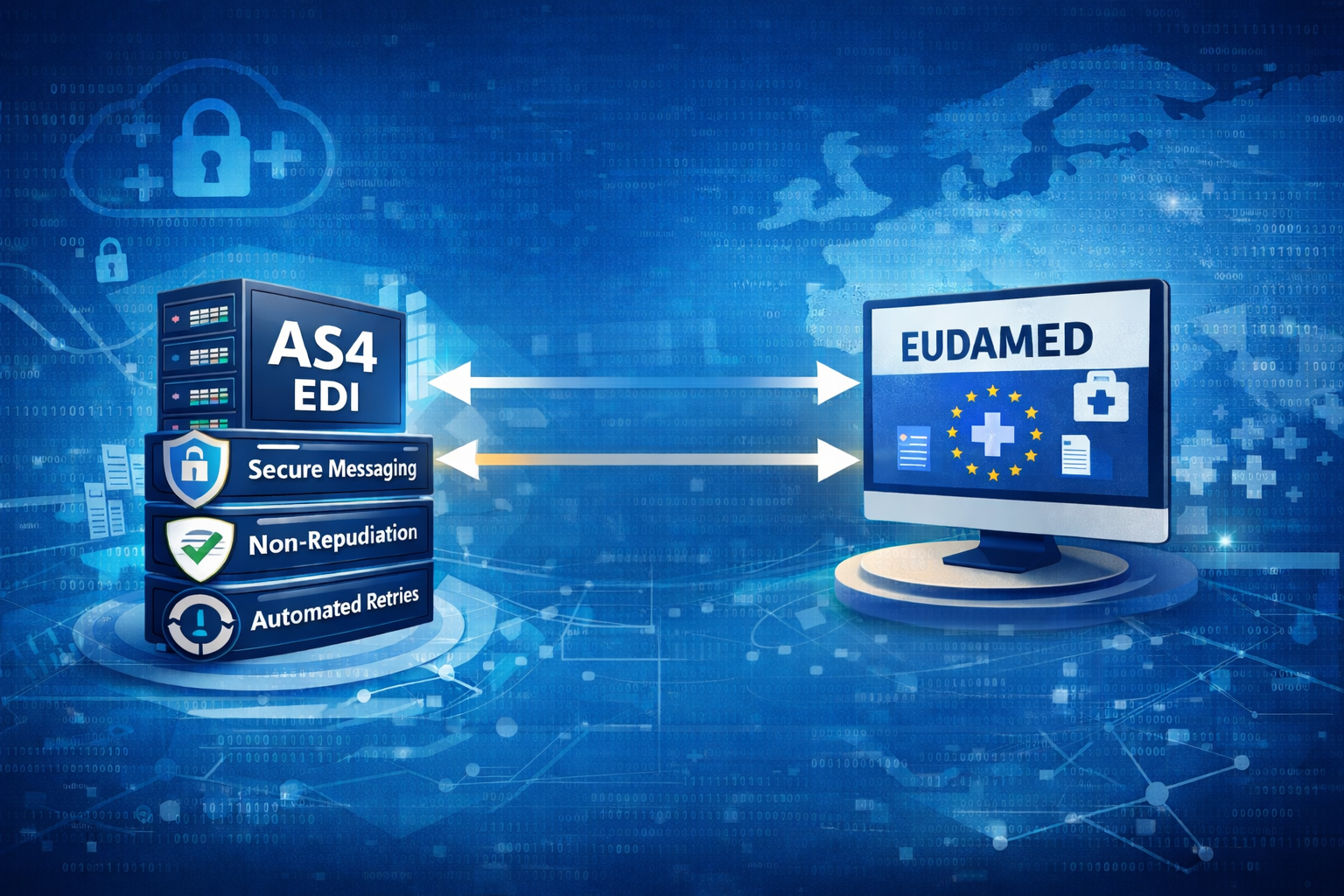
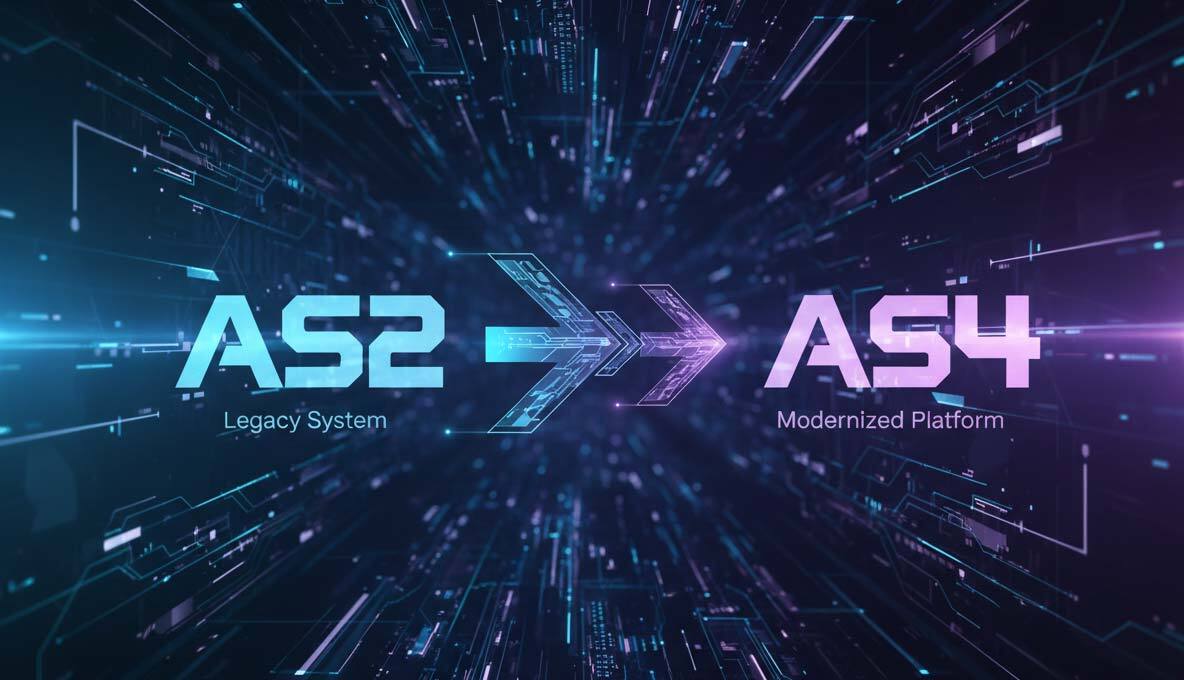
At Aayu Technologies, we revolutionized B2B communication with the Aayu MFT Gateway and our robust AS2 and EDI products. Now, we are taking the next step in our journey. We are proud to announce our dedicated AS4 software, specifically engineered to help organizations connect effortlessly with EUDAMED (European Database on Medical Devices)
For manufacturers and notified bodies in the medical device sector, compliance isn’t optional. EUDAMED uses AS4 as its mandatory communication protocol for machine-to-machine (M2M) integration. To exchange vital regulatory information such as device registrations, vigilance reports, and UDI data – you need a secure, reliable AS4 Connection.
However, implementing AS4 connectivity is complex. It builds on SOAP and WSS (Web Services Security) standards and requires strict adherence to security aspects like authentication, message integrity, and payload encryption.
Our new AS4 solution removes the technical complexity of compliance. Built directly into the Aayu MFT Gateway, it offers the same ease of use you expect from our AS2 services, with the advanced protocol capabilities demanded by EUDAMED.
Key Benefits of Aayu AS4 Solution:
Once you finish preparing your regulatory documents, the Aayu MFT Gateway manages the secure submission process and handles all acknowledgments from EUDAMED via the AS4 protocol. Below are the essential steps to submit your content using our solution:
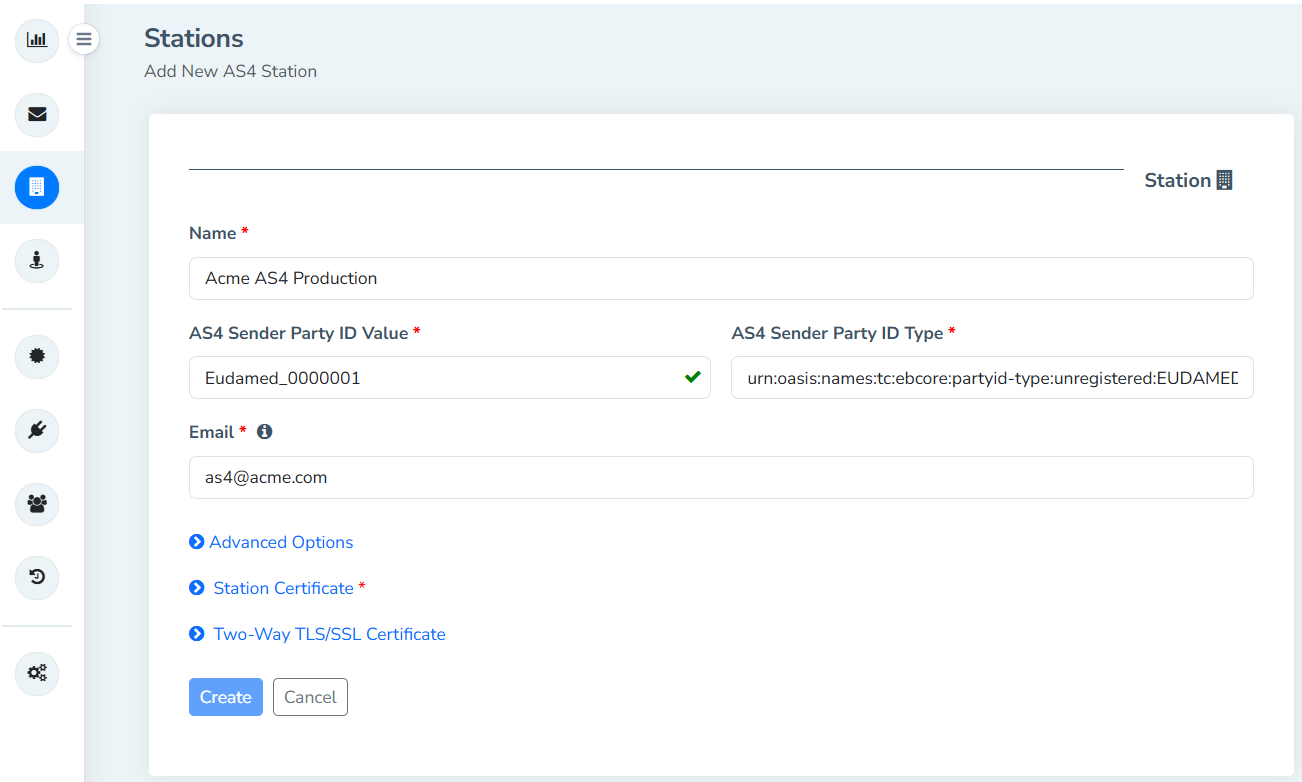
If you have used our Aayu MFT Gateway AS2 service, you already know how to use our AS4 solution.
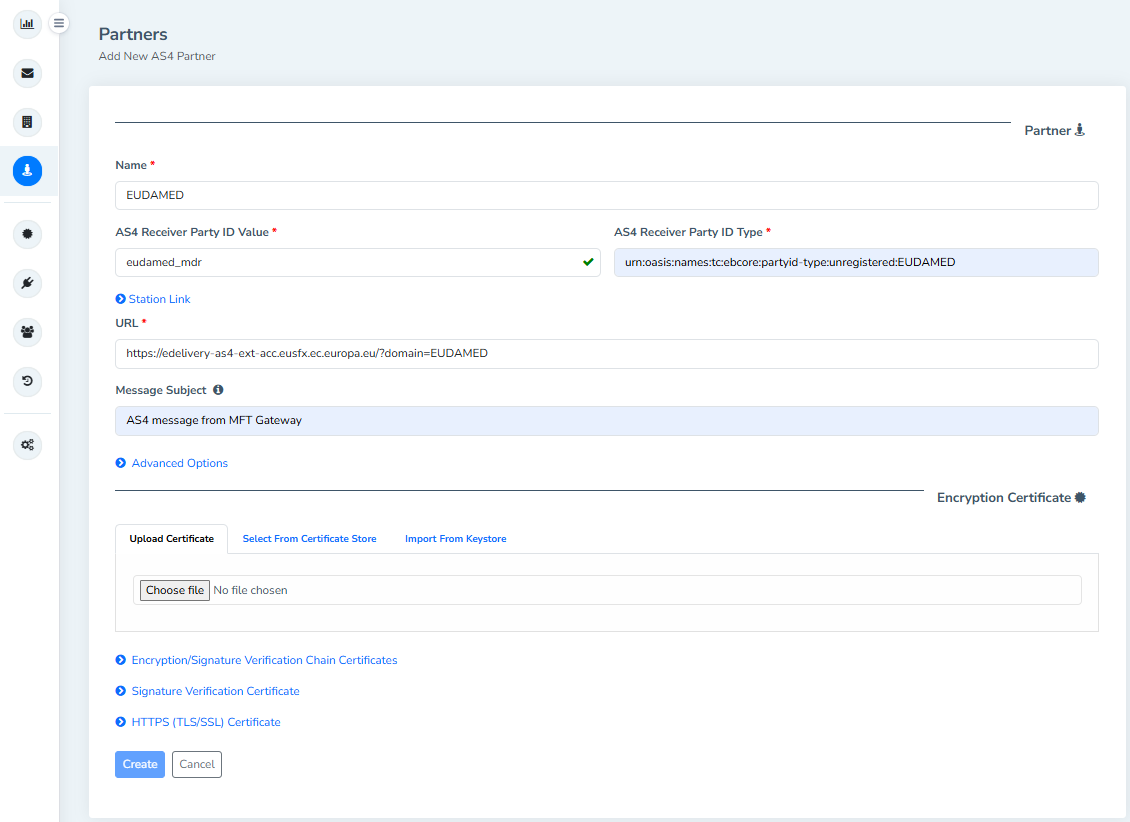
Partner Configuration: Similarly, set up EUDAMED as a partner using their provided Endpoint URL and Receiver Party ID details.
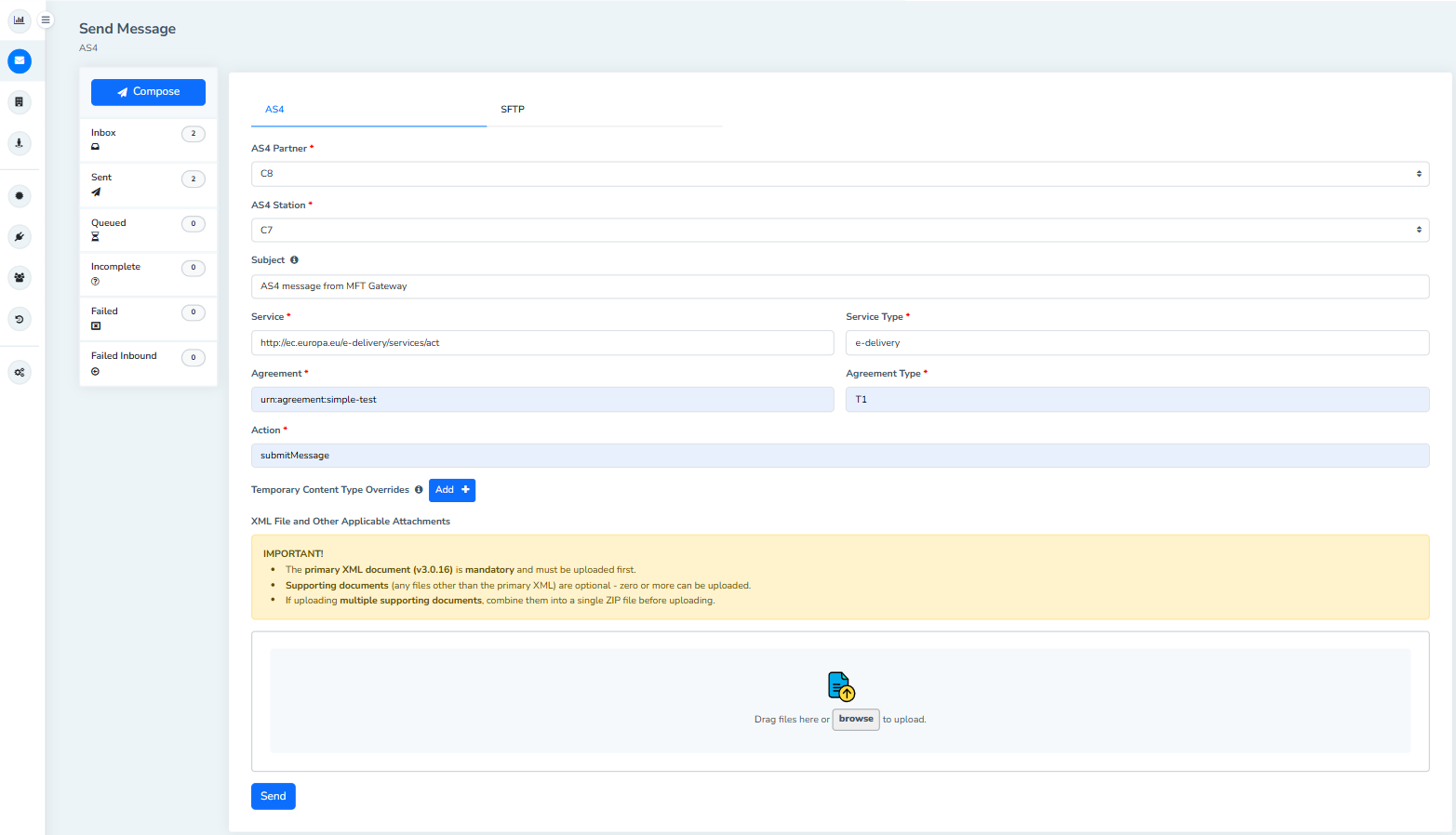
The Aayu MFT Gateway message submission view is an easy and convenient way to submit to EUDAMED with a few clicks.
AS4 relies on “PMode” (Processing Mode) agreements. From the interface, you can easily configure the following PMode attributes which define the business rules for your specific message.
Our AS4 solution ensures your payloads meet EUDAMED’s profile rules. Simply upload your mandatory regulatory XML document (following schema version 3.0.16; view samples here) and if you have any other supporting documents, just combine them into a single ZIP file and attach alongside the primary file.
We understand that message delivery failures in a regulatory environment are critical.
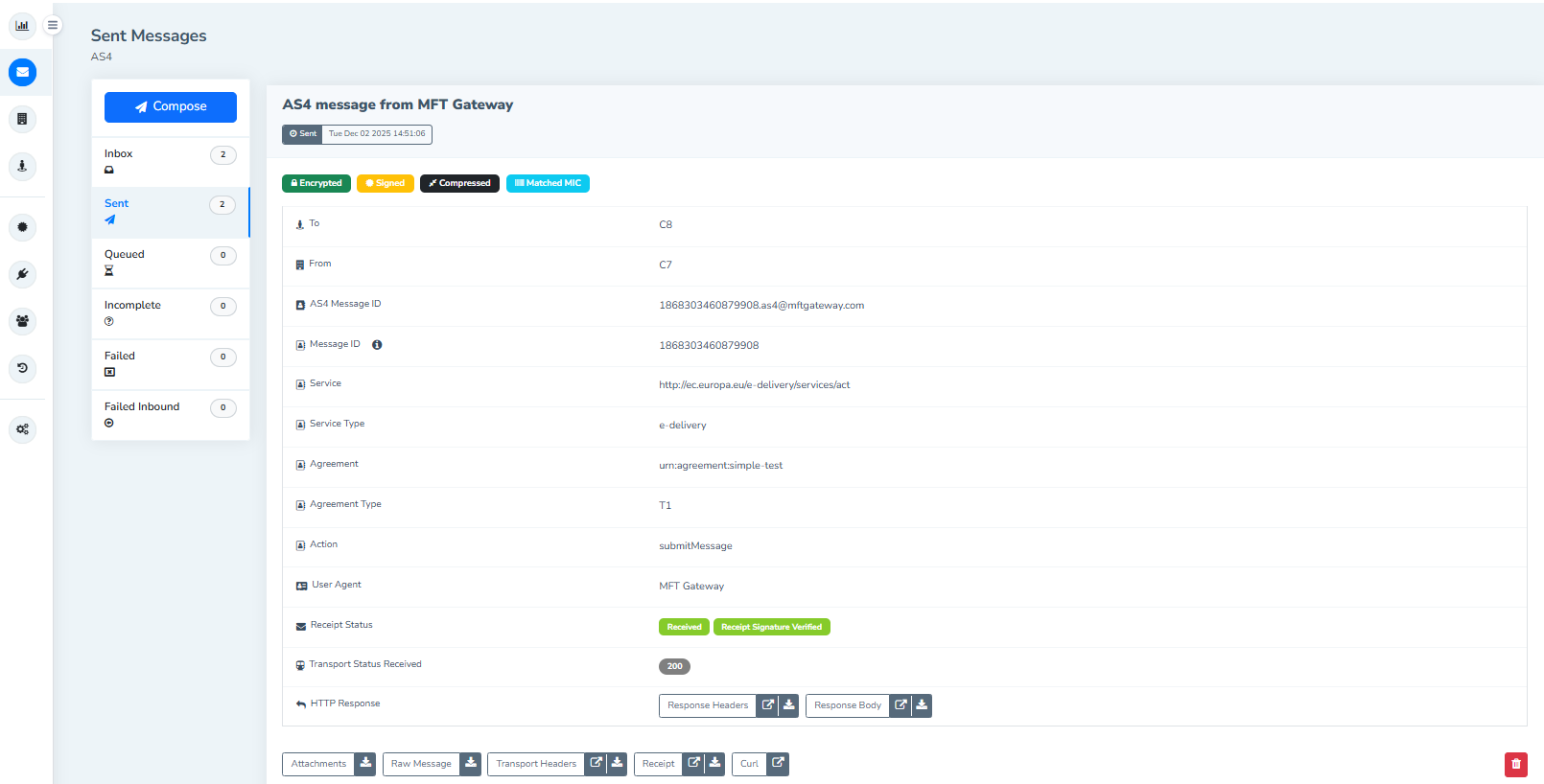
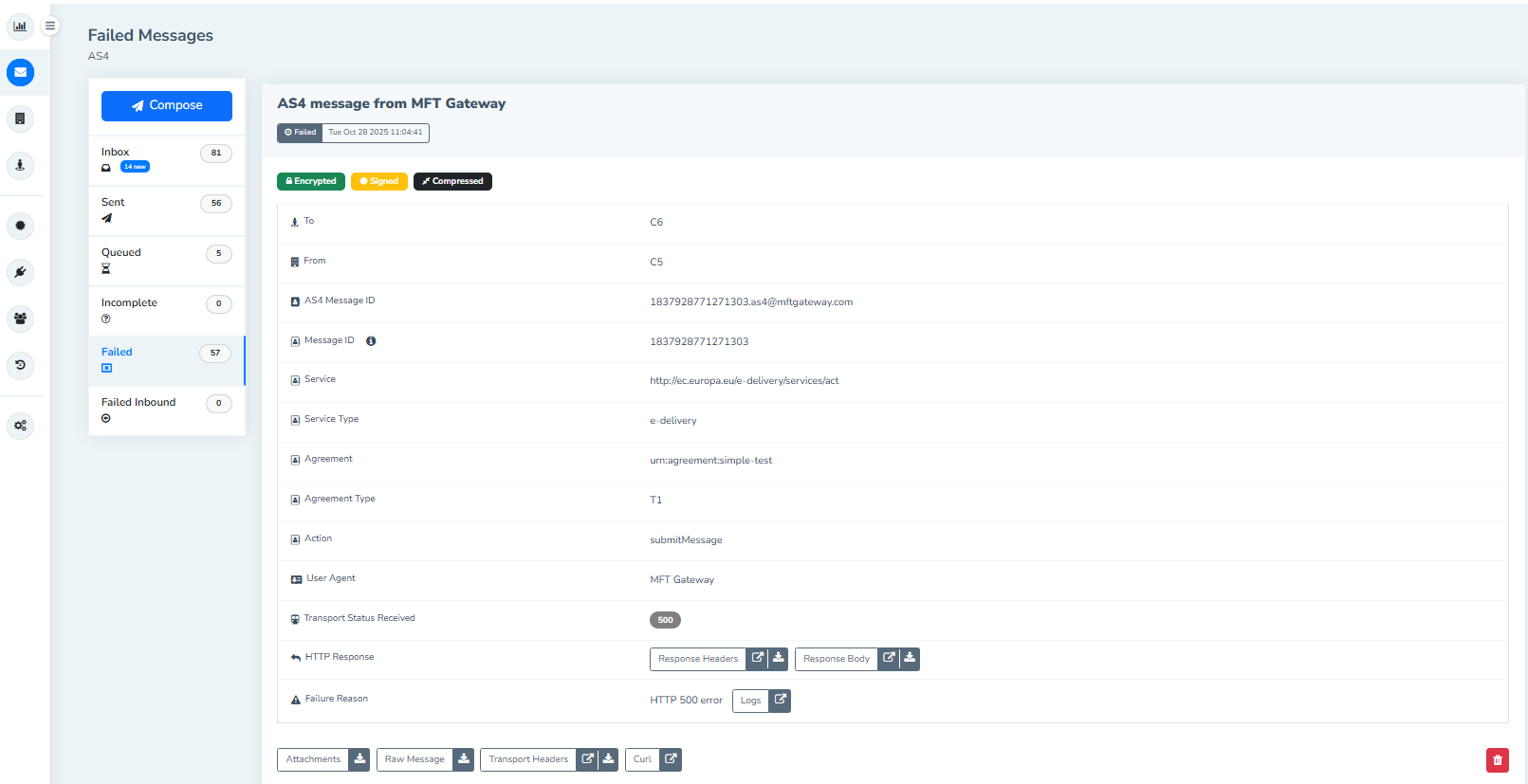
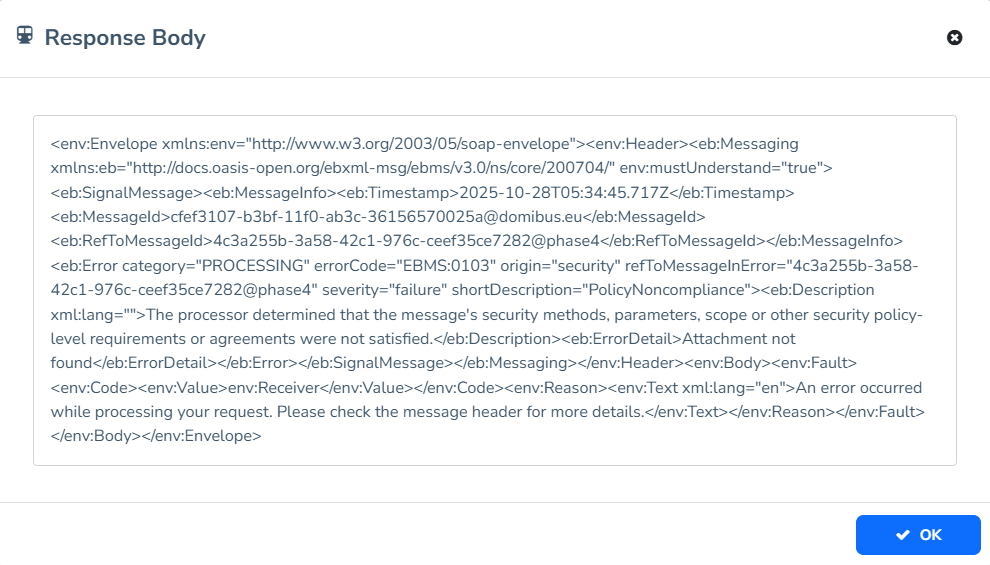
Error Handling: If an error occurs, you receive standard, machine-readable AS4 error receipts with descriptive log streams to help you quickly diagnose and fix the issue.
Don’t let technical protocols slow down your compliance. Experience the reliability of Aayu MFT Gateway adapted for the future of European medical data exchange. Contact us to be notified as soon as our AS4 solution goes live.
If you’re interested in our AS4 solutions contact us
Join hundreds of organizations already taking full control of their B2B AS2 communications with our trusted solutions. Contact us today to tailor a solution that fits your specific AS2 EDI needs.
No commitment, all value. Try the AS2 Solution Risk-Free and discover how our solutions can transform your business workflows. No credit card required.








