








![Open-Source Transfer vs Managed File Transfer [Updated 2026]](/assets/images/blog/open-source-transfer-vs-managed-file-transfer.png)




Hosted SaaS solution for AS2 and SFTP file transfer. No infrastructure, instant setup.
Start Free Trial
EDI 997 Functional Acknowledgment explained - AK1-AK9 segment structure, 997 vs 824 vs TA1, common error codes, and how EDI Generator automates acknowledgments.

Sampavi Sriparan
Published: 15 Jul 2026
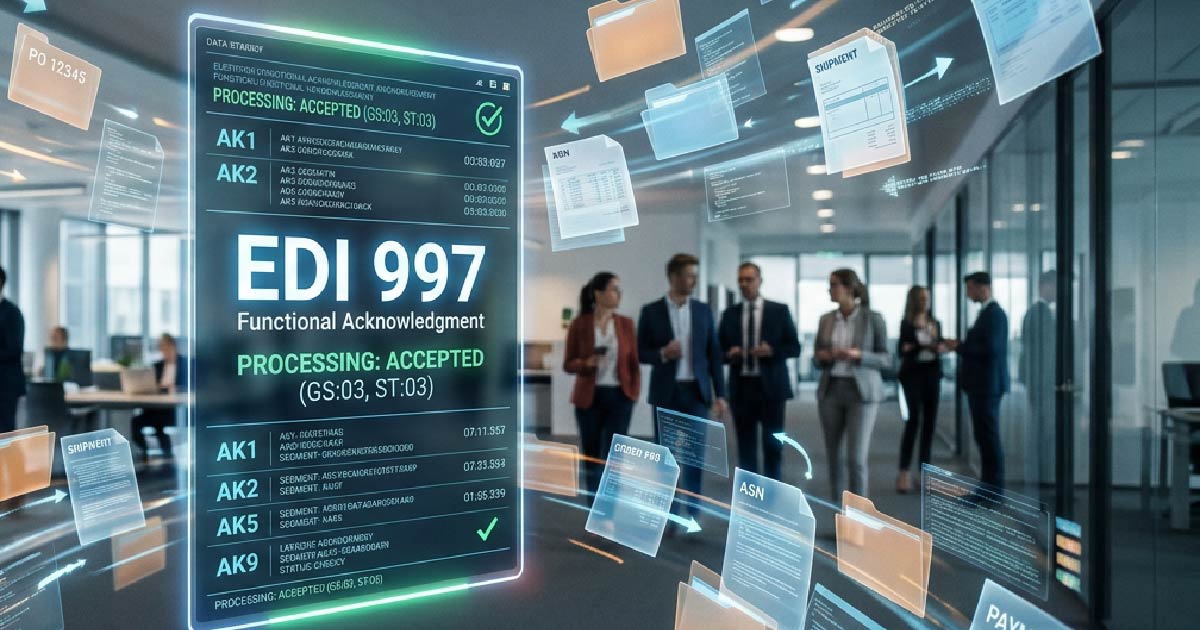
The EDI 997 Functional Acknowledgment is an X12 transaction that confirms an EDI document was received and passed syntax validation. It reports acceptance, rejection, or errors at the segment and element level via AK1–AK9 segments, but it does not validate business content. Most retailer compliance programs (Walmart, Amazon, and Target) require timely 997s.
You’ve successfully transmitted the EDI document — the system says it went through. But days later, your trading partner claims they never received it, or that it hasn’t been processed.
How do you confirm that your document was received and accepted? That’s where the EDI 997 Functional Acknowledgment comes in.
The EDI 997 is a functional acknowledgment — another version of “got it,” plus whether what was sent was valid.
Your system generates an EDI transaction — a purchase order (850), invoice (810), or ASN (856) — and the receiver sends back a 997. It acknowledges receipt and states whether the document is structurally valid.
It’s like a certified mail receipt that also tells you whether the letter was written in the correct format. Without the 997, you don’t know whether your EDI document was received successfully, or whether there’s an error that needs fixing before the process can move forward.
Large retailers such as Walmart, Target, and Amazon run EDI compliance programs to gauge how reliable their trading partners are at exchanging documents. The exact requirements vary by retailer, but correctly processing the EDI 997 is often crucial to staying compliant.
That’s because it matters commercially:
Consistently sending and receiving 997 acknowledgments shows that your systems are reliable, your EDI documents adhere to agreed standards, and you can quickly identify and resolve issues — building trust with your trading partners over time.
The EDI 997 is made up of several segments, each with a specific function — identifying who sent the message and which transaction is being acknowledged, or reporting whether a document was accepted or rejected. Together, these segments give trading partners a standardized way to confirm receipt and communicate the result of syntax validation.
Identifies which functional group (set of related transactions) is being acknowledged. Holds a group control number.
Identifies the specific transaction set being acknowledged. For example, if acknowledging a purchase order (850), the AK2 segment contains the transaction set ID (850) and the control number. AK2 marks the beginning of the transaction set acknowledgment loop.
Points to a specific segment inside the transaction where an error was found. Contains the segment ID, its position, and loop ID.
Drills into the actual position of the data elements in the flagged segment. Reports the type of error and, if any, the bad value.
Closes the AK2 loop and contains the transaction acknowledgment code — the most significant field in the 997:
| Code | Meaning |
|---|---|
| A | Accepted |
| E | Accepted with errors |
| R | Rejected |
| M | Message authentication code (MAC) failed; message was rejected |
| W | Accepted, but some errors were noted |
| X | Rejected: content not processed |
The entire acknowledgment is closed by AK9 — Functional Group Response Trailer, which summarizes how many transactions were included, accepted, and rejected in the functional group.
Together, AK1 through AK9 provide a full audit trail down to the individual data element that failed.
EDI has three types of acknowledgments. Each works at a different level, and none can substitute for another.
TA1 – Interchange Acknowledgment The lowest level. It validates the outer envelope that contains all your EDI data (ISA/IEA). If the TA1 fails, none of the transactions inside were even examined.
997 – Functional Acknowledgment Acknowledges at the functional group and transaction set level — this is where structural and syntactic validation happens. Most trading partner agreements require a 997.
824 – Application Advice One step further: business logic validation. An 824 might reject an invoice because the PO number wasn’t found in the buyer’s system, while a 997 would reject it for a structural reason. The 824 isn’t as commonly required, but it’s essential for partners with stricter business rules.
The rule of thumb:
If a 997 comes back R (Rejected) or E (Accepted with Errors), the AK4 segment tells you what went wrong. Here are the most common error codes and what they mean in practice.
Error Code 1 – Unrecognized segment ID: A segment was found that the receiver’s EDI standard doesn’t recognize. Usually this means a segment you sent isn’t supported by your partner’s implementation guide.
Error Code 2 – Unexpected segment: The segment exists in the standard but appeared in the wrong location or out of sequence.
Error Code 3 – Mandatory segment missing: A required segment wasn’t provided at all. Check your implementation guide for what’s missing.
Error Code 8 – Segment has data element errors: An error was found in a specific data element. The AK4 segment narrows it down to the exact location.
Error Code 13 – Too many repetitions: A segment repeated more times than the implementation guide allows.
Debugging workflow:
Most 997 rejections come down to one root cause: the data you’re producing doesn’t match what your partner’s implementation guide expects.
Manually handling 997s is slow, error-prone, and doesn’t scale. EDI Generator generates and consumes 997s on both ends, without you having to build any custom parsing logic.
Automatic 997 generation: If you receive EDI transactions from your trading partners, EDI Generator validates them and sends the appropriate 997 automatically. You don’t write the acknowledgment logic yourself — the platform handles AK segment construction, control number tracking, and delivery back to the sender.
Automatic 997 consumption: If your outbound transactions come back with a 997, EDI Generator consumes it, maps the AK codes, and surfaces them in your dashboard. Rejections show up immediately with the relevant segment and element information — no manual searching through raw EDI files.
This will give you:

The X12 standard doesn’t mandate it, but nearly all trading partner agreements do. Walmart, for example, requires functional acknowledgments within 24 hours of receiving a purchase order. Missing 997s can trigger chargebacks or block certification during EDI testing.
An AK5 code of R means the transaction failed syntax validation — a mandatory segment is missing, the segment order is wrong, or an invalid data element is present. The AK3 and AK4 segments pinpoint the exact segment and element that failed so you can correct and resend.
An MDN is an AS2 protocol-level receipt confirming the transmission arrived and decrypted correctly. The 997 operates at the EDI document level, confirming the X12 content passed syntax validation. Reliable exchanges use both.
No. The 997 only validates structure and syntax. Business-level acceptance — whether a PO number matches or pricing is correct — is communicated via an EDI 824 Application Advice or a document-specific response like the 855.
The 997 is a small acknowledgment transaction, yet it can account for a disproportionate share of EDI message volume in many trading partner relationships. It’s what your trading partners use to judge the reliability of your systems. Neglect it, and chargebacks follow. Get it right, and you build the kind of compliance history that makes onboarding new retail partners progressively easier.
Ready to stop chasing 997s manually? Get a free trial on EDI Generator and let it handle the acknowledgment logic end-to-end, so you can focus on your business instead of the underlying infrastructure.
Join hundreds of organizations already taking full control of their B2B AS2 communications with our trusted solutions. Contact us today to tailor a solution that fits your specific AS2 EDI needs.
Get full access to whichever product fits your needs. Configure real trading partner connections, run end-to-end transactions, and see the platform perform before making any commitment. All three products include a free 30-day trial with no restrictions.